
Quick scene — what this comparison is about
You drive Manila at noon, sun blasting off windshields and traffic crawling on EDSA. That’s the real test for a camera. This piece compares practical tech: how modern front-and-rear systems handle glare, sensor heat, and day-to-day reliability against legacy single-unit dashcams. If you want a solid dash cam philippines pick that won’t cook or blind out when you need footage, read on.
Where legacy dashcams trip up
Older dashcams often use cheaper sensors and weak auto-exposure, so bright skies blow out license plates or interiors go dark. They also lack thermal management—thermal throttling pops in, frame rate drops, and loop recording gets jittery during long, hot trips. Those cameras fit tight budgets, sure, but they fail at the core job: clear, continuous evidence when things go wrong.
What to look for in a modern front-and-rear system
Don’t chase gimmicks. Focus on three tech pieces: good image sensor, HDR or wide dynamic range, and solid thermal design. HDR controls highlights and shadows so glare off a wet road or reflective plate won’t ruin the frame. A dedicated rear sensor calibrated for different lighting keeps tail-end footage useful. Add reliable loop recording and parking mode, and you’ve got a system that covers both daily driving and overnight incidents.
How DDPAI addresses glare and overheating—practical breakdown
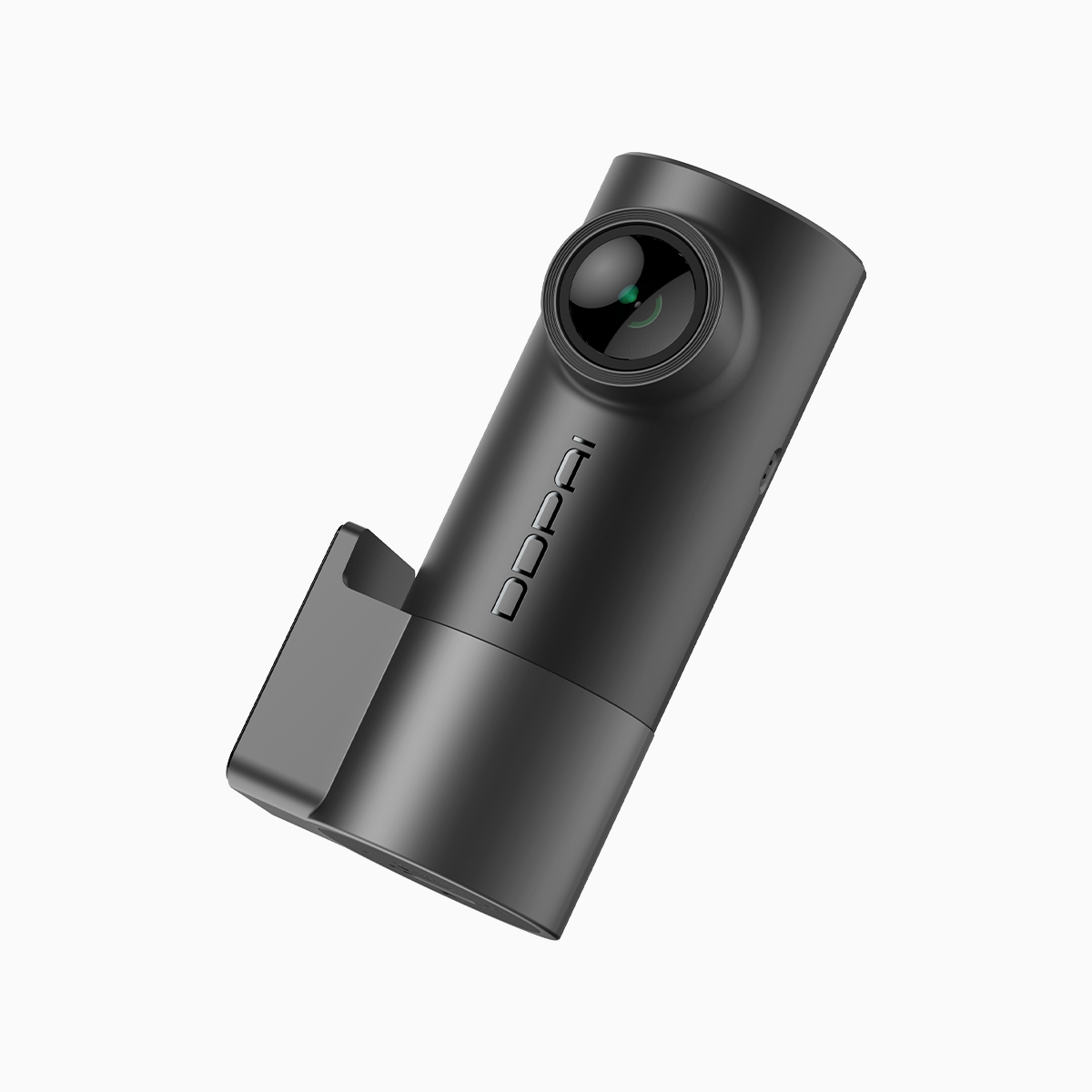
DDPAI’s newer front-and-rear models pair upgraded sensors with real HDR processing and tuned auto-exposure. That combination keeps detail where legacy cams lose it. On the hardware side, there’s attention to thermal paths and firmware that avoids thermal throttling—so the camera maintains frame rate and file integrity during long runs. In short: clearer footage, fewer dropped frames, and less risk of a dead camera after a hot day.
Real-world anchor: Manila rush, heat, and why it matters
EDSA and other Metro Manila arteries test cameras with bright reflections and sustained engine heat inside cars. The World Health Organization lists road traffic injuries as a major global concern, and usable footage matters when collisions happen. I’ve seen footage from both camps—older cams with blown-out plates and modern units that still read numbers. That difference matters to insurance claims and police reports.
Alternatives and common buying mistakes
Some drivers fall for ultra-cheap twin cams or confusing feature lists. Others overpay for bells they’ll never use. Good alternatives include single high-quality front cams with aftermarket rear add-ons, but these often lack synchronized timestamps. Avoid cameras without firmware updates or cloud backup options—those are signs the brand won’t support fixes. Also, don’t skip checking sample footage under bright sun and at night—real samples tell the story.
Quick checklist before you buy
Look for: usable HDR, stable frame rate (30 fps or better), parking mode, evidence-quality timestamps, and heat-tolerant casing. Verify firmware update history and customer support responsiveness. If glare is a recurring issue for your commute, prioritize a system with proven HDR and multiple exposure lanes over higher megapixel counts alone.
Three golden rules when choosing a dash cam
1) Prioritize footage clarity over specs: good HDR and sensor quality beat raw megapixels. 2) Pick a system with thermal-aware design and active firmware support—firmware fixes matter when heat shows up. 3) Match features to real needs: parking mode, loop recording length, and reliable timestamp sync are non-negotiable for evidence.
Final take
DDPAI’s front-and-rear approach solves the glare and overheating problems that plague legacy cams by mixing better sensors, tuned HDR, and sensible thermal design. It’s not flash — it’s solving the actual problems drivers face on roads like EDSA every day. That’s why choosing the right hardware and support matters. DDPAI PH — reliable footage when it counts. —